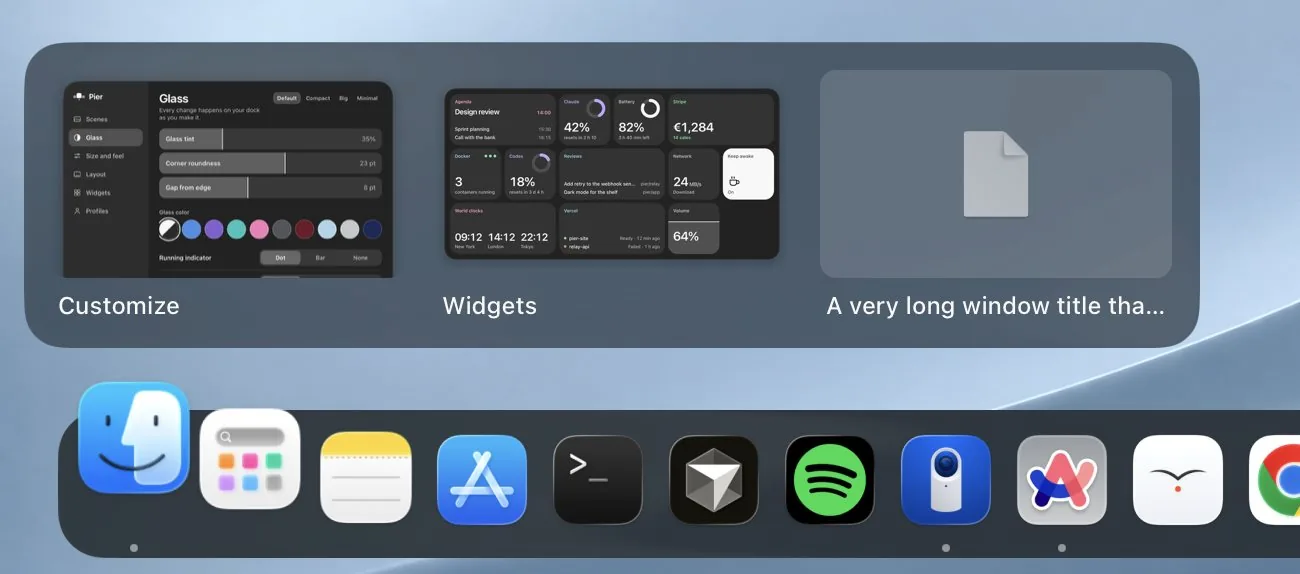
Window previews

Pier, a new Dock for macOS
The same place your Dock has always been, now with window previews, folders as grids and live widgets.
These ones are live. The clocks tick, the timer runs, and Keep awake switches when you click it.
World clocks
New York
London
Tokyo
Claude
resets in 2 h 10
Keep awake
Stripe
14 sales
Agenda
14:00Design review
Pomodoro
Focus
Network
Download
Vercel
Battery
3 h 40 min left
Window previews
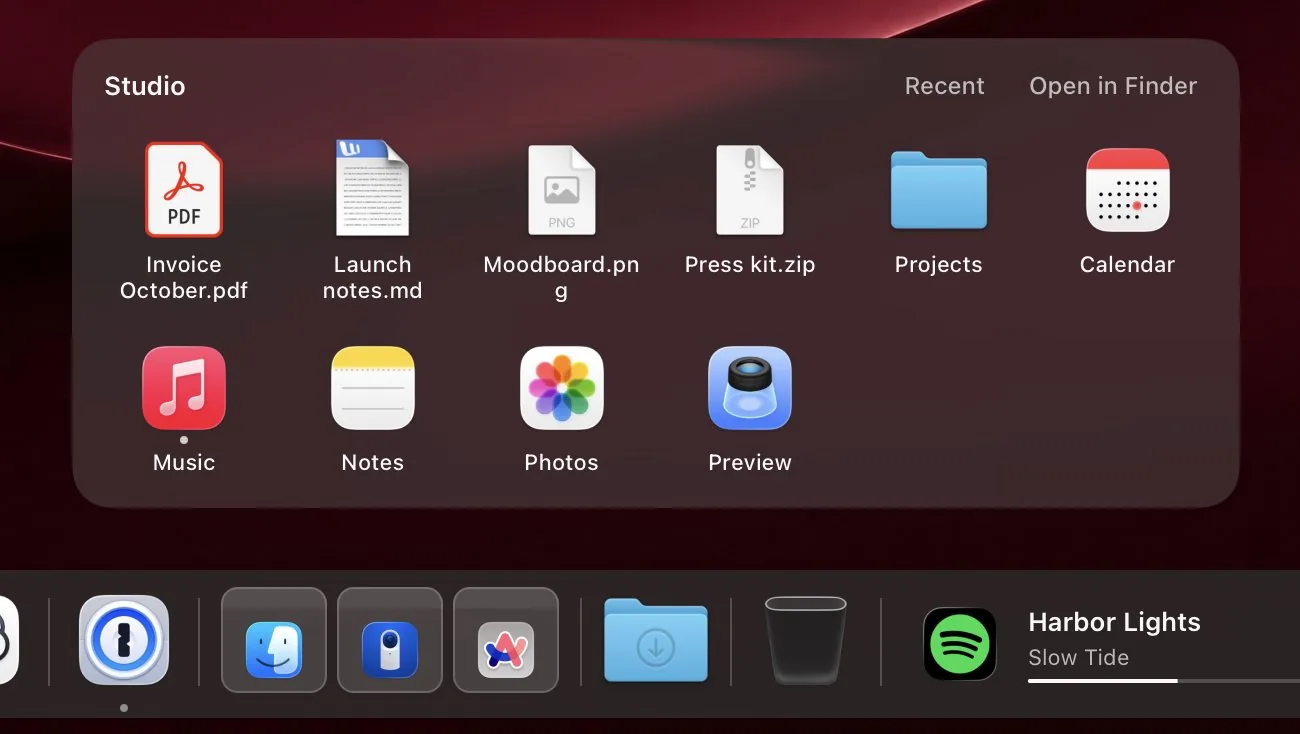
Folders
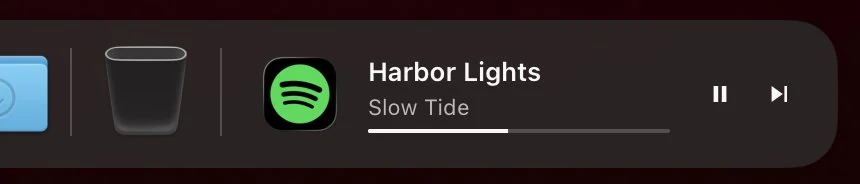
Now playing
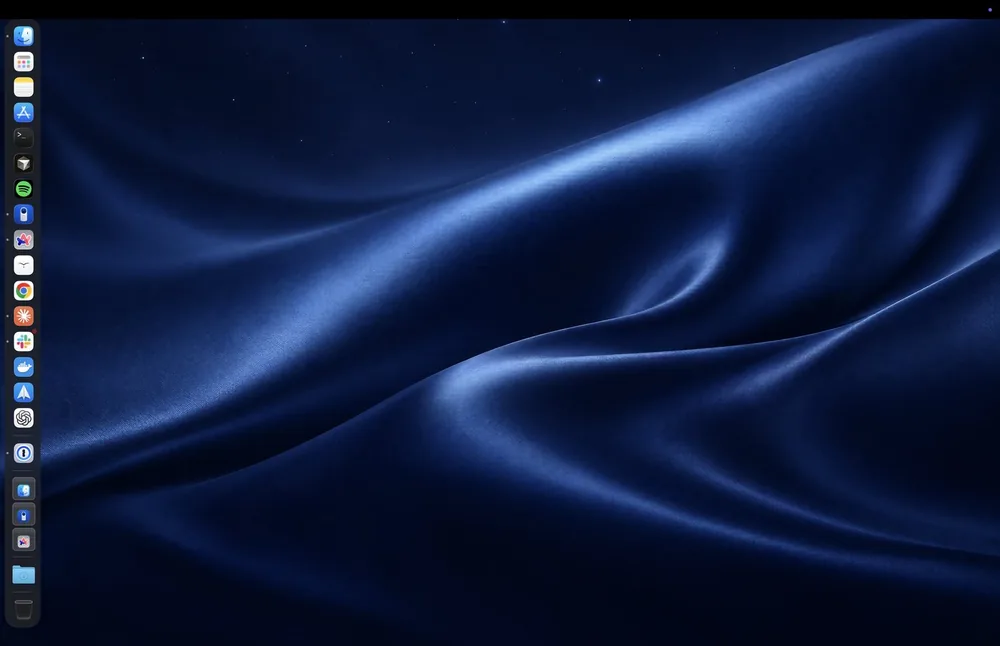
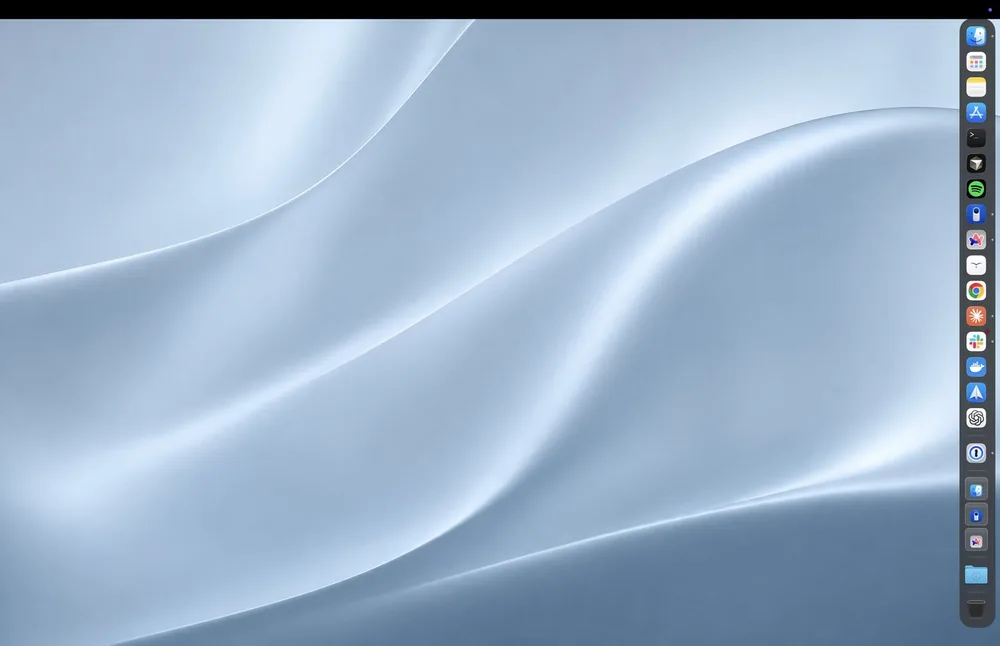
Any edge
The widget panel
Your Mac, your day, your sales and your builds. The ones you watch go on the dock, the rest wait in a panel over it.

Each sets the wallpaper and tints the dock to match. Pier remembers your own wallpaper for when you want it back.
Glass and tint, size and magnification, which edge, what sits where. Save it as a profile and open it on your other Mac. Your keys never go in the file.
Open Pier. It copies your apps from Apple's Dock, in your order.
Apple's Dock steps aside, its settings saved so quitting Pier puts them back.
Press ⌃⌥D anywhere to bring it up, even over full screen apps.

Private
Contained
Yours

Everything is in the 14-day trial. No subscription, no account.
Free trial download: [DOWNLOAD LINK, once pierdock.app is live]
macOS can’t remove its Dock, because the same process runs Mission Control and Cmd-Tab. While Pier runs, Apple’s Dock is set to hide and never rise, and quitting Pier puts its settings back exactly.
Macs with macOS 13 Ventura or later.
Accessibility, to list and raise windows. Screen Recording for the pictures in window previews; without it they show titles only. Some widgets ask for Calendar or Reminders when you add them.
Pier keeps working, and every release from that year is yours to keep. Pier Forever includes every update after it too.
Each widget can only reach the service it shows, such as Stripe for the Stripe widget. Keys stay in your Keychain, and Pier has no analytics.
Pier covers up to 3 Macs and Pier Forever up to 5. Save a profile to bring your setup across.